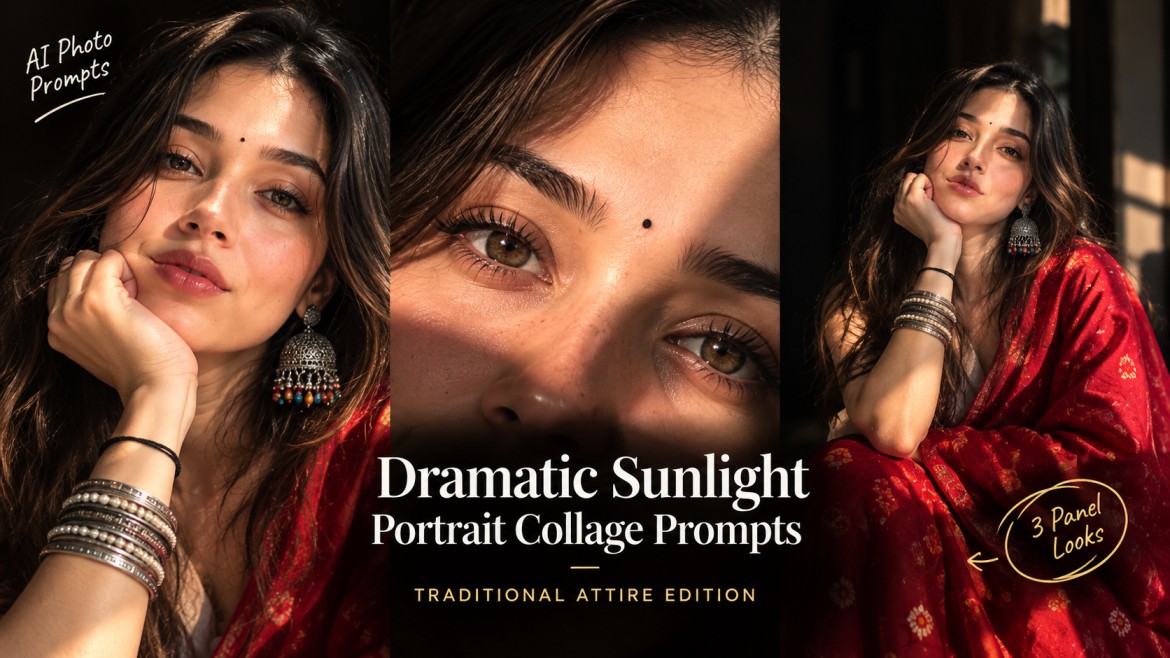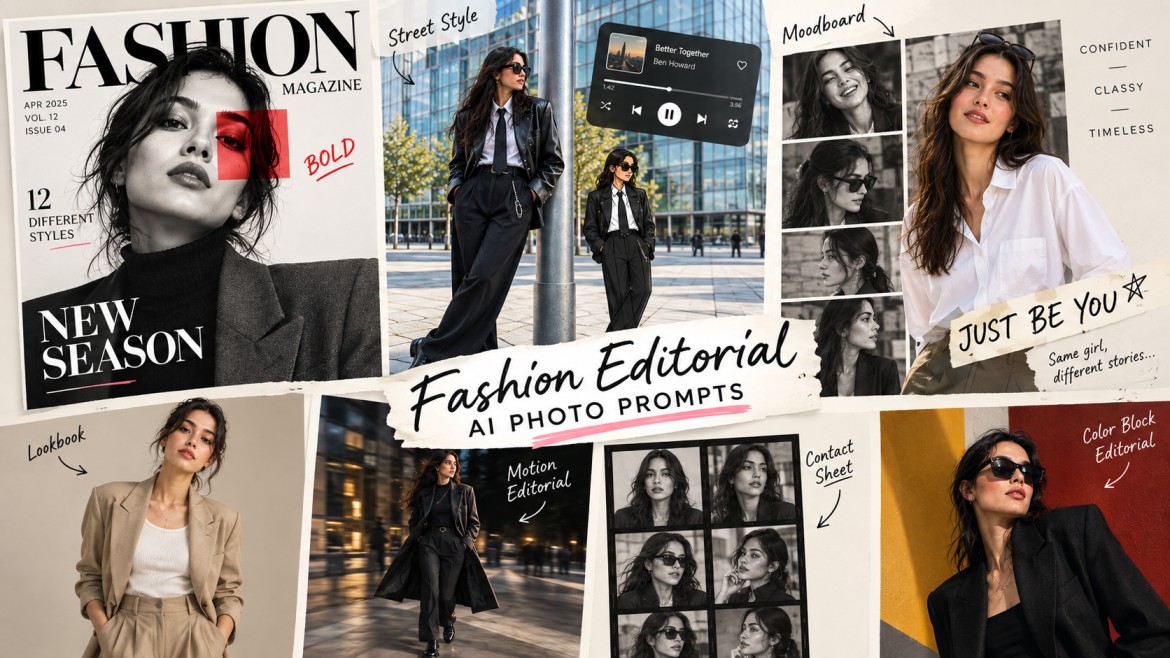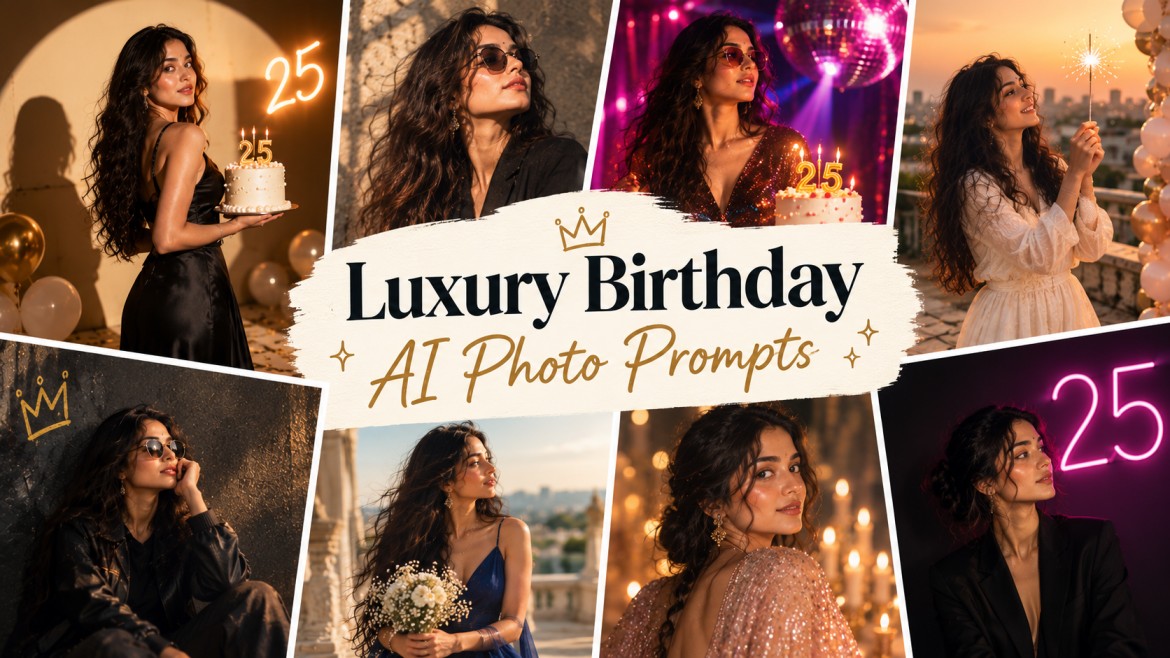
AI image generators can turn a regular photo into a completely different birthday concept – from a luxury studio portrait and milestone campaign to a rooftop celebration or retro disco scene.
The trick isn’t simply adding the words “birthday photo” to a prompt. The better results come from describing the lighting, environment, wardrobe, camera style and one strong birthday element such as a cake, number, balloons or sparkler.
I’ve put together six different styles below so you can choose the one that fits your personality instead of generating the same birthday image everyone else is making.
Before You Start
Upload a clear photo of yourself that you want to use as the identity reference.
These prompts use placeholders such as:
[Age]→ replace with your age[Name]→ replace with your name[color]→ replace with your preferred outfit color
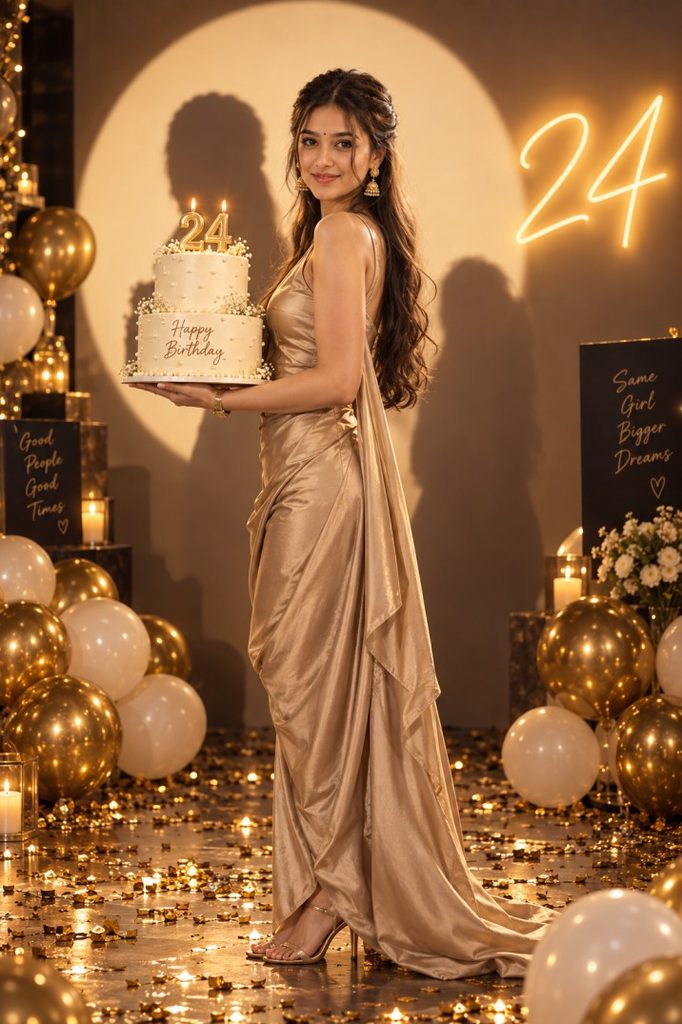
1. Want a Luxury Magazine Birthday Photo?
Try: Editorial Studio Portrait With Cake
2. Want Your Age to Be the Main Attraction?
Try: Milestone Poster With Car and 3D Number
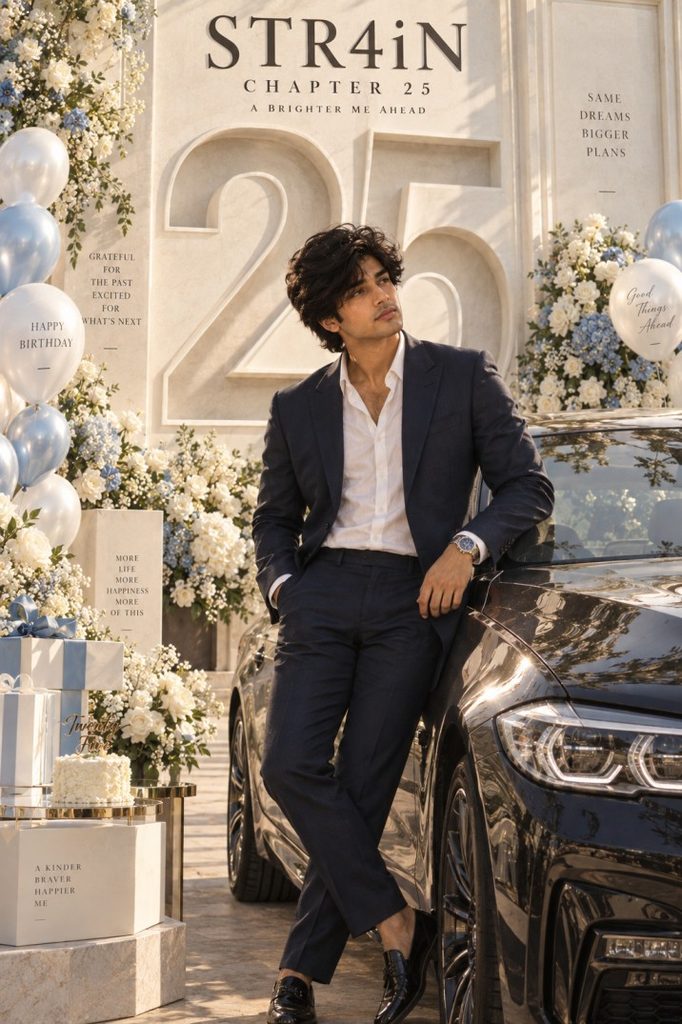
This prompt use placeholders such as:
[Age]→ replace with your age[Name]→ replace with your name[color]→ replace with your preferred outfit color
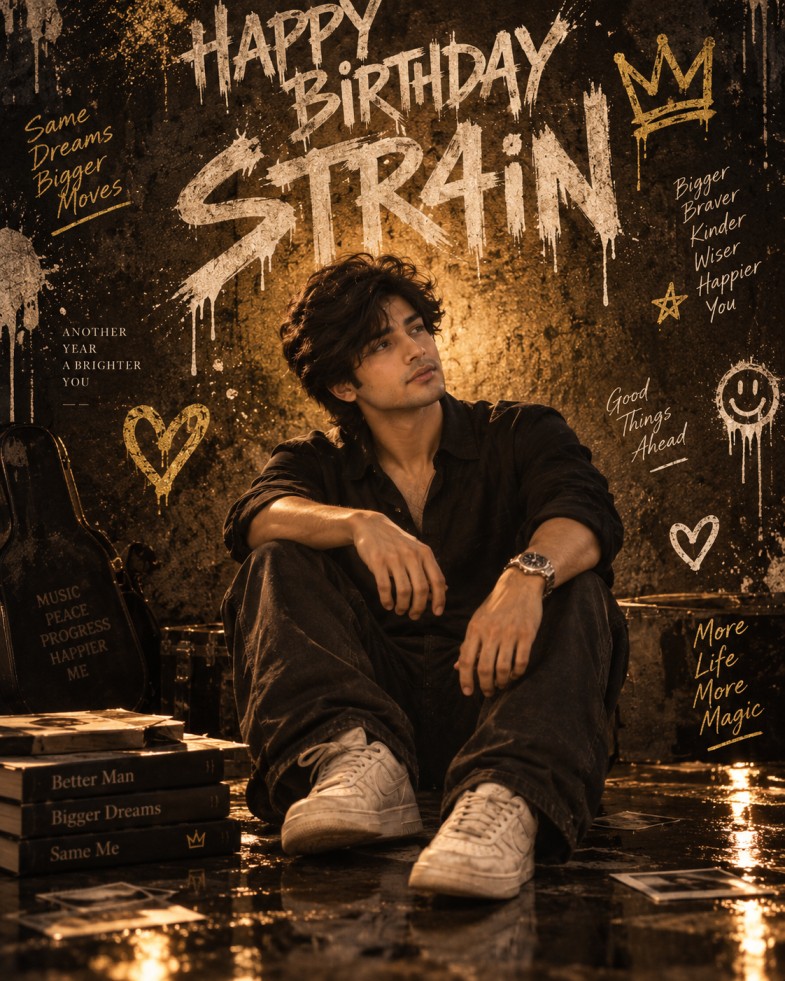
3. Want Something Darker and More Edgy?
Try: Grunge Graffiti Birthday Poster
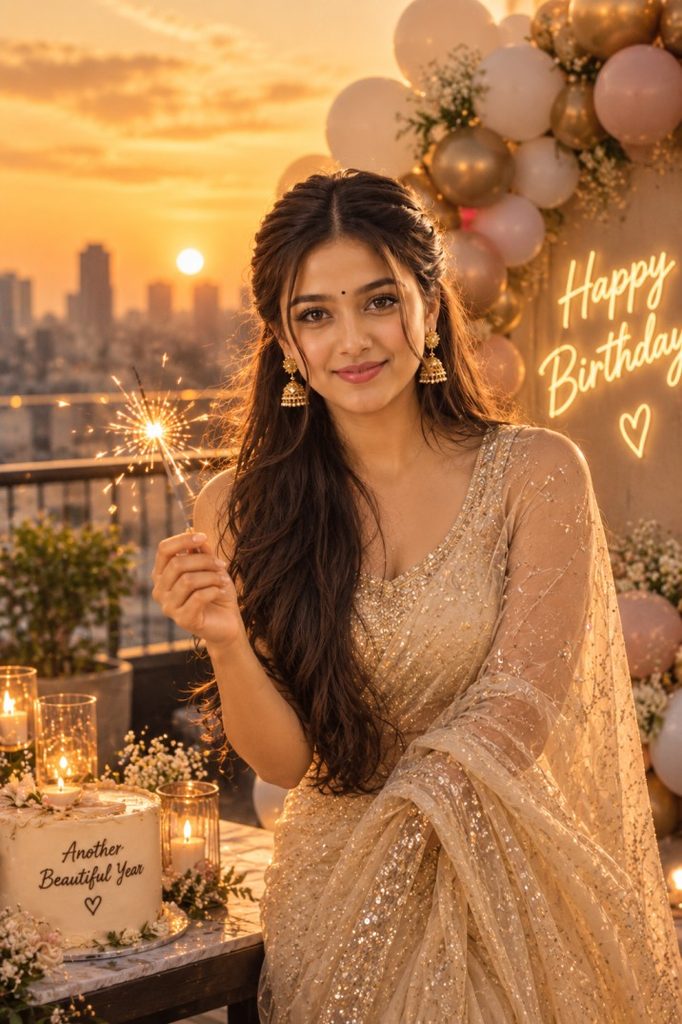
4. Want Your Birthday Picture to Feel Natural?
Try: Golden Hour Rooftop Celebration
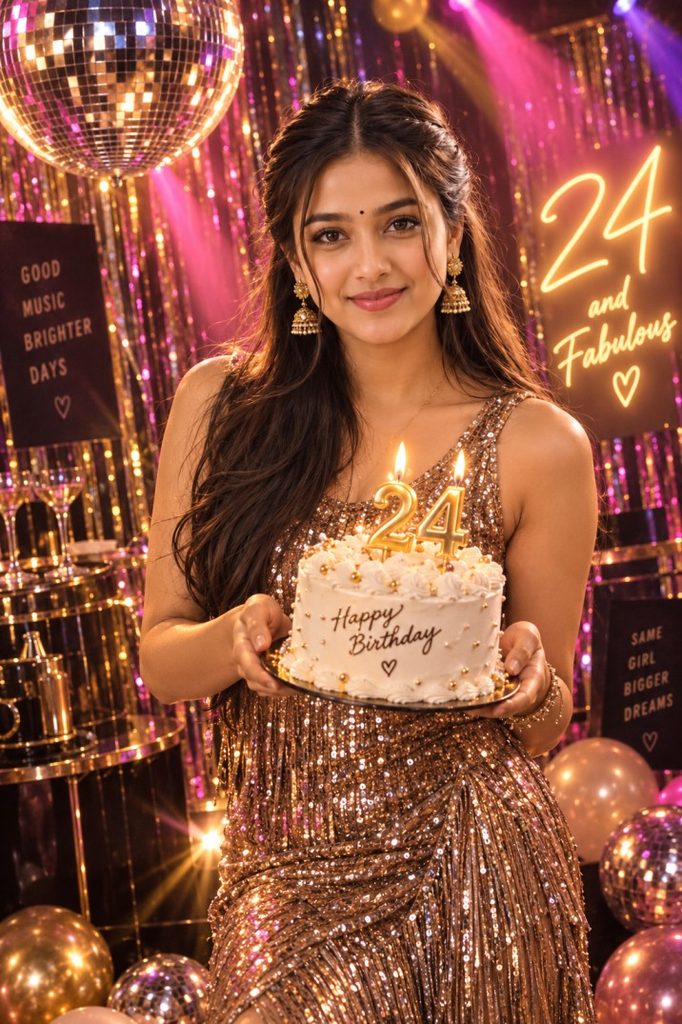
5. Want a Fun Retro Birthday Look?
Try: Retro Disco Birthday Portrait
6. Want a Simple Birthday Photo?
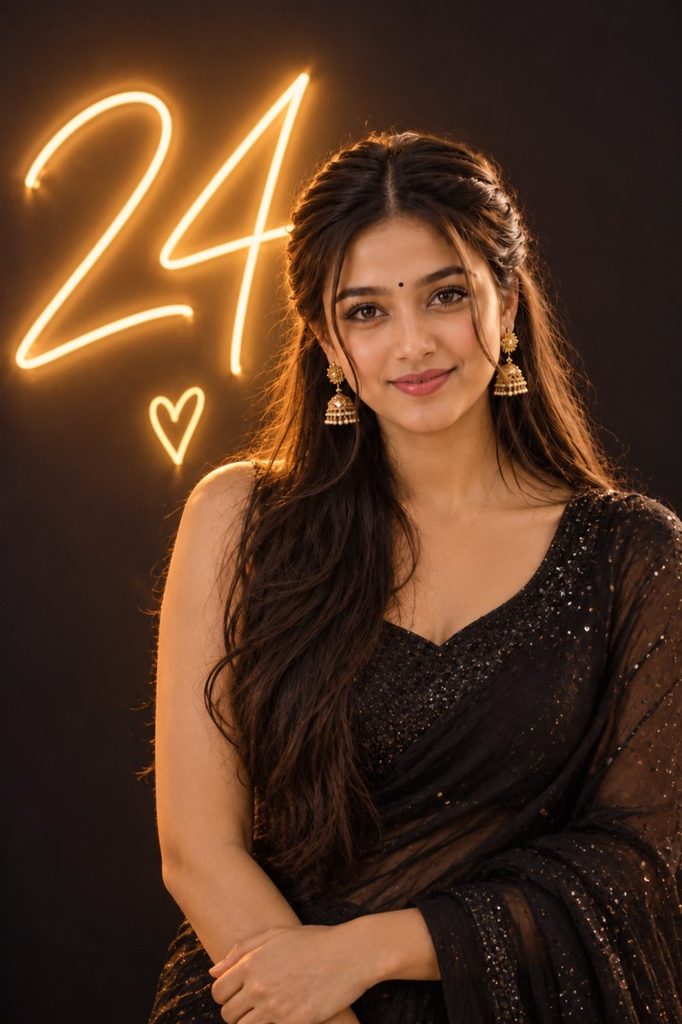
Try: Minimalist Neon Number Portrait
Which Birthday Prompt Should You Choose?
Don’t overthink it.
| Your style | Prompt to use |
|---|---|
| Luxury & glamorous | Editorial Studio Portrait |
| Milestone birthday | 3D Number + Car |
| Dark & edgy | Grunge Graffiti |
| Natural & warm | Golden Hour Rooftop |
| Fun & colorful | Retro Disco |
| Minimal & clean | Neon Number Portrait |
How to Customize the Prompts
Before generating your image, make these small changes.
Change Your Age
Replace:
[Age]with your actual age.
Add Your Name
Where you see:
[Name]enter the name you want displayed.
Change the Outfit Color
The studio prompt contains:
[color]Replace it with something like:
black
red
burgundy
emerald green
navy blue
champagne
Don’t Change Everything at Once
If you’re trying to get a specific look, start with the original prompt first.
Then make one change at a time.
For example:
“Keep everything the same but change the outfit to black.”
This makes it easier to identify which change improved or ruined the result.
The original guide also recommends generating multiple versions because results can vary even with the same prompt.
Why Your Birthday AI Photo May Not Look Right
There are a few common reasons.
The Face Doesn’t Look Like You
Use a clearer reference photo and strengthen the identity instruction.
The Birthday Number Is Wrong
AI-generated text and numbers can still be unreliable. Try using only the age rather than asking the image to render several lines of text.
The Image Looks Too Fake
Add:
photorealistic, realistic skin texture, natural facial details, realistic lightingThe Scene Looks Too Busy
Use the minimalist neon prompt instead of adding more decorations to an already detailed prompt.
Frequently Asked Questions
Can I use these birthday prompts with my own photo?
Yes. These prompts are designed around using an uploaded photo as the facial and identity reference.
Can I use these prompts for any age?
Yes. Replace [Age] with your birthday number. The same structure can be used for milestone birthdays such as 18, 21, 30 or 50.
Which prompt looks the most luxurious?
The Editorial Studio Portrait With Cake is the strongest option if you want a fashion-editorial birthday photoshoot.
Which one looks the most natural?
The Golden Hour Rooftop Celebration is the better choice if you want something warm and approachable rather than heavily staged.
Can I use these prompts in Gemini?
The prompts can be adapted to AI image generators that accept image references. However, the exact output can vary between tools.
You don’t need to generate ten completely different birthday images to find a good one.
Start by deciding what you actually want your picture to feel like:
luxury, milestone, edgy, natural, retro or minimal.
Then choose the matching prompt, upload your reference photo, replace the placeholders and generate.
If the first result isn’t right, don’t immediately rewrite the entire prompt. Make one small adjustment and try again.
That’s usually a much easier way to turn a basic birthday photo into something that actually feels personal.