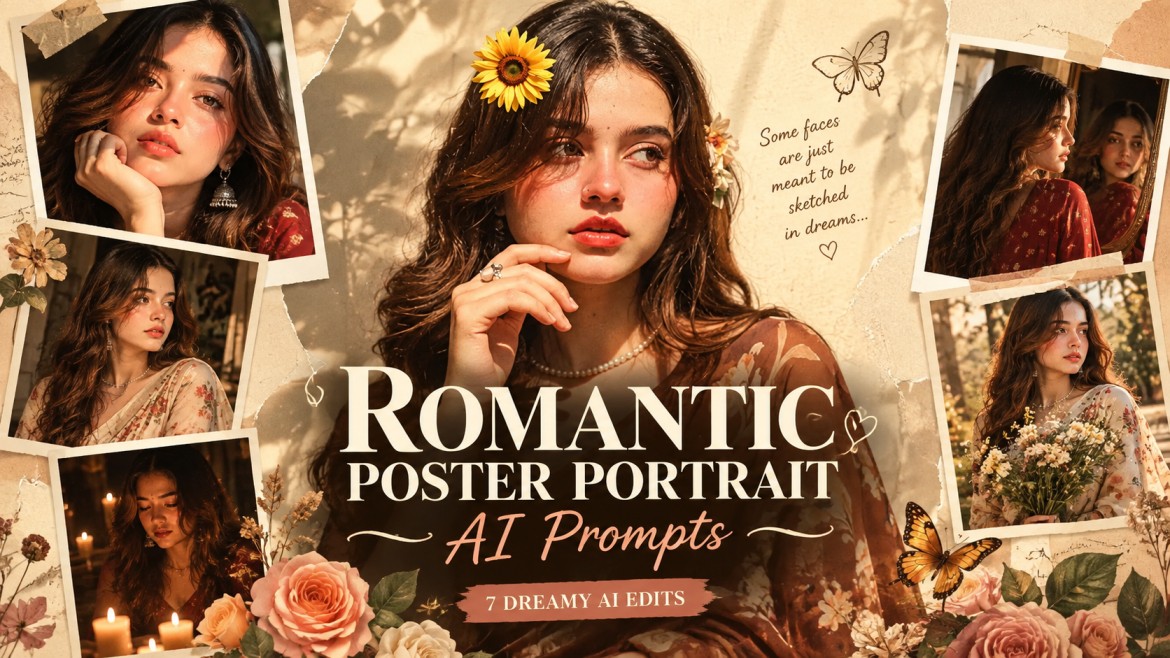
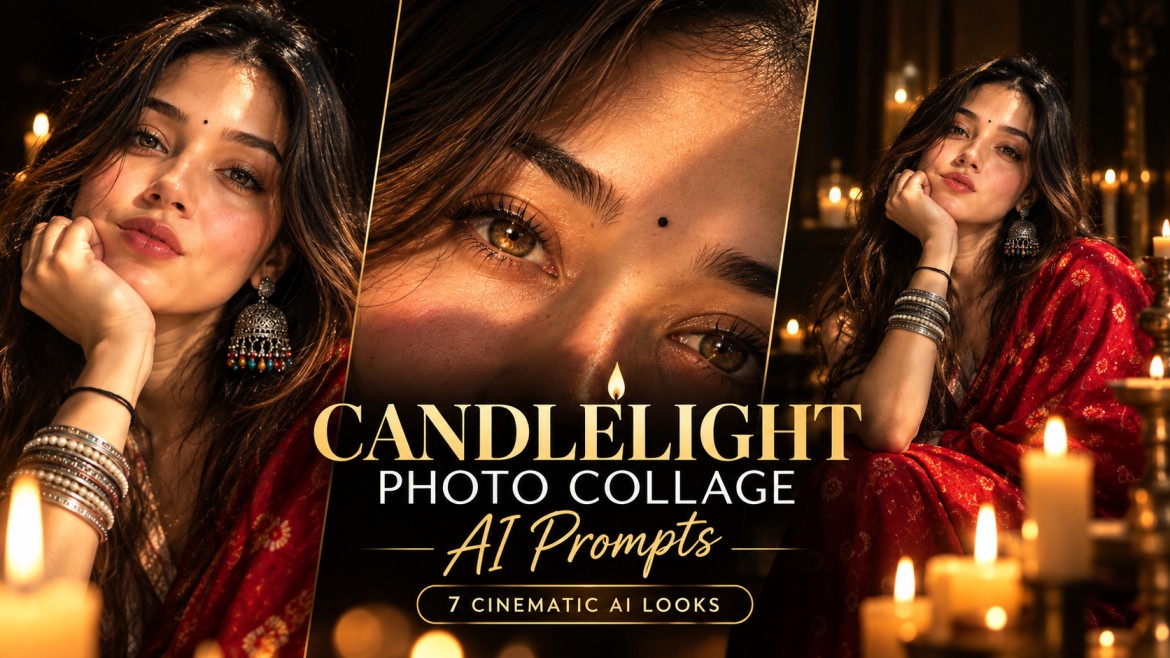
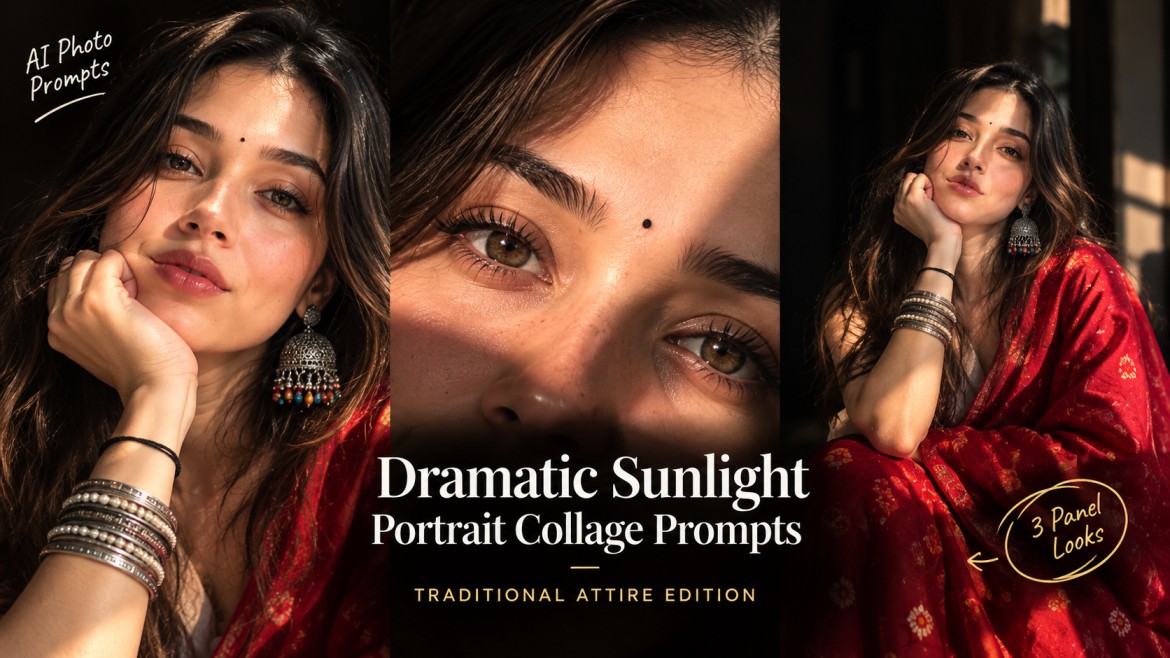
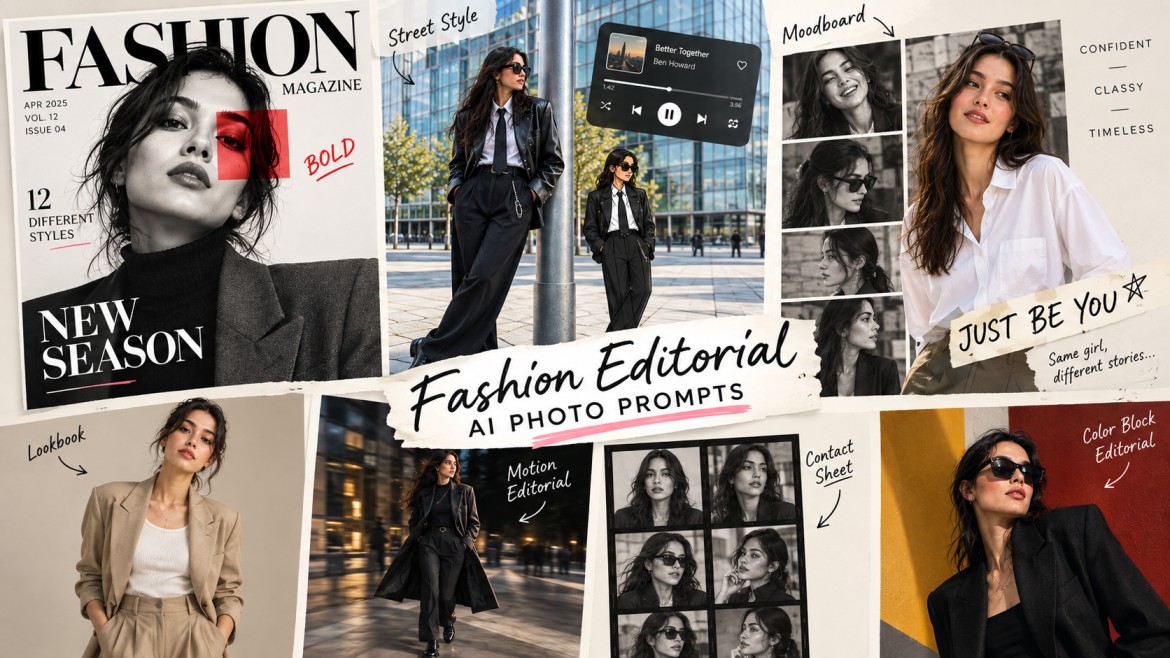
Agar tum AI se Instagram, whatsapp le liye PFP (profile photo) ya Story photos generate kar rahe ho aur result thoda flat, generic ya obviously AI-generated lag raha hai, problem aksar sirf AI tool ki nahi hoti. Prompt mein agar sirf “good lighting,” “cinematic,” ya “beautiful portrait” jaise generic words hain, to AI ko exact visual direction kam milti hai.
Professional-looking result ke liye prompt mein lens, aperture, lighting setup, light direction, depth of field, skin texture aur color grading jaise details add karna useful hota hai.
Why Basic AI Prompts Look Generic
Ek basic prompt kuch aisa ho sakta hai:
Create a nice portrait with good lighting and a clean background.Problem ye hai ki AI ko bahut little direction milti hai.
Ab isi idea ko professional photography details ke saath dekho:
A close-up portrait shot on an 85mm lens at f/1.8, softbox positioned 45 degrees camera-left, subtle fill from camera-right, neutral seamless backdrop, natural skin texture, sharp focus on the eyes, shallow depth of field and warm neutral editorial color grading.Is prompt mein AI ko clear idea milta hai ki camera kaisa behave karega, light kahan se aayegi, background kitna blur hoga aur final image ka mood kya hona chahiye.
Professional prompt ka main advantage isi specificity mein hai.
5 Things That Make an AI Photo Prompt Better
AI prompt ko unnecessarily huge banane ki zarurat nahi hai. In five elements par focus karo:
- Lens + aperture — 85mm f/1.8 portrait ke liye aur 35mm environmental shots ke liye.
- Lighting direction — light camera-left, camera-right, overhead ya backlight.
- Lighting setup — Rembrandt, split, butterfly ya three-point lighting.
- Skin treatment — natural pores, realistic texture aur subtle retouching.
- Color grading — warm editorial, cool cinematic, muted film ya bright airy.
Ye elements prompt ko zyada controlled aur specific banane mein help karte hain.
Professional AI Prompts for PFP
Prompt 1 — Studio Portrait With Rembrandt Lighting

Prompt 2 — Bright High-Key Editorial PFP

Prompt 3 — Moody Split-Lighting PFP

Prompt 4 — Black & White Fine-Art PFP

Quick Before vs After
| Generic Prompt | Professional Upgrade |
|---|---|
| Good lighting | Rembrandt lighting + softbox 45° camera-left |
| Blurry background | 85mm lens + wide aperture |
| Smooth skin | Natural pores + subtle retouching |
| Moody portrait | Split lighting + deep blacks |
| Bright photo | High-key lighting + lifted shadows |
| Cinematic | Specific lens + lighting + color grade |
Generic adjectives ki jagah actual photography terminology use karna prompt ko more specific banata hai.
How to Get Better Results From These Prompts
1. Clear Reference Photo Use Karo
Face clearly visible hona chahiye. Blurry, heavily filtered ya extremely low-quality reference image se identity consistency difficult ho sakti hai.
2. Har Prompt Mein Sab Kuch Mix Mat Karo
Rembrandt + split lighting + butterfly lighting ko ek hi prompt mein daalne ki zarurat nahi hai.
One lighting setup + one lens + one color grade se start karna better approach hai.
3. Identity Instruction Add Karo
Agar tum uploaded photo use kar rahe ho, prompt mein clearly mention karo ki facial identity, facial structure aur recognizable features preserve kiye jaayen.
4. Multiple Generations Try Karo
First result perfect na aaye to prompt immediately change mat karo. Same prompt ko 2–3 baar regenerate karke best output select karo.
5. Correct Aspect Ratio Select Karo
PFP: 1:1
Instagram Story: 9:16
Story prompts mein 9:16 mention karne se composition ko vertical frame ke according plan karna easier hota hai.
Frequently Asked Questions
Kya mujhe photography terms samajhna zaroori hai?
Nahi. Tum prompts ko directly copy-paste kar sakte ho. Lekin lens, aperture aur lighting ka basic idea ho to tum prompts ko apne preferred style ke according easily modify kar sakte ho.
85mm lens ko AI prompt mein mention karne se kya difference aata hai?
85mm portrait photography ke liye commonly associated focal length hai aur flattering perspective aur background separation provide kar sakta hai. Prompt mein ise mention karne se desired portrait look ka clearer visual direction mil sakta hai.
Kya main do prompts ko combine kar sakta hoon?
Haan, lekin initially ek lighting setup + ek color grade rakhna better hai. Different looks ke liye separate generations create karke compare karna easier rahega.
Instagram PFP ke liye kaunsa prompt best hai?
Professional look ke liye Prompt 1, bright clean look ke liye Prompt 2, dark cinematic aesthetic ke liye Prompt 3, aur artistic monochrome look ke liye Prompt 4 try karo.
Final Thoughts
Professional-looking AI photo banane ke liye prompt ko unnecessarily complicated banana zaroori nahi hai. Generic words jaise “good lighting,” “cinematic,” “professional” ko actual photography details se replace karo.
Lens + lighting + aperture + skin texture + color grading — ye five elements tumhare prompts ko much more controlled bana sakte hain.
Ab apni favourite reference photo upload karo, in prompts mein se ek copy karo aur 2–3 variations generate karke best result select karo.