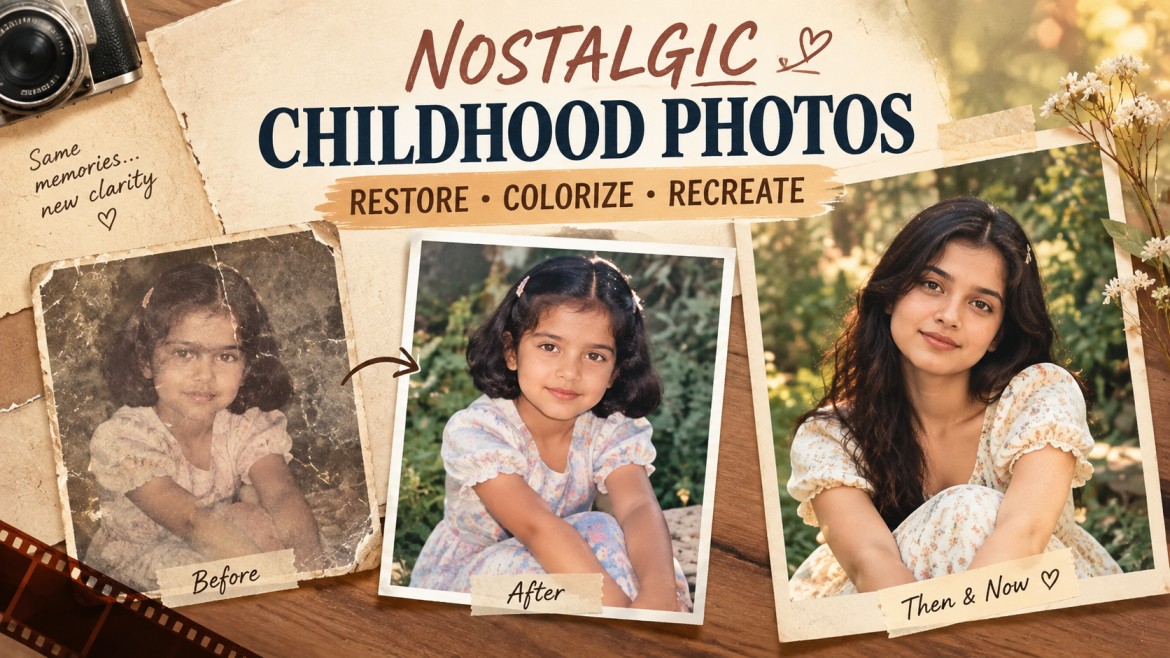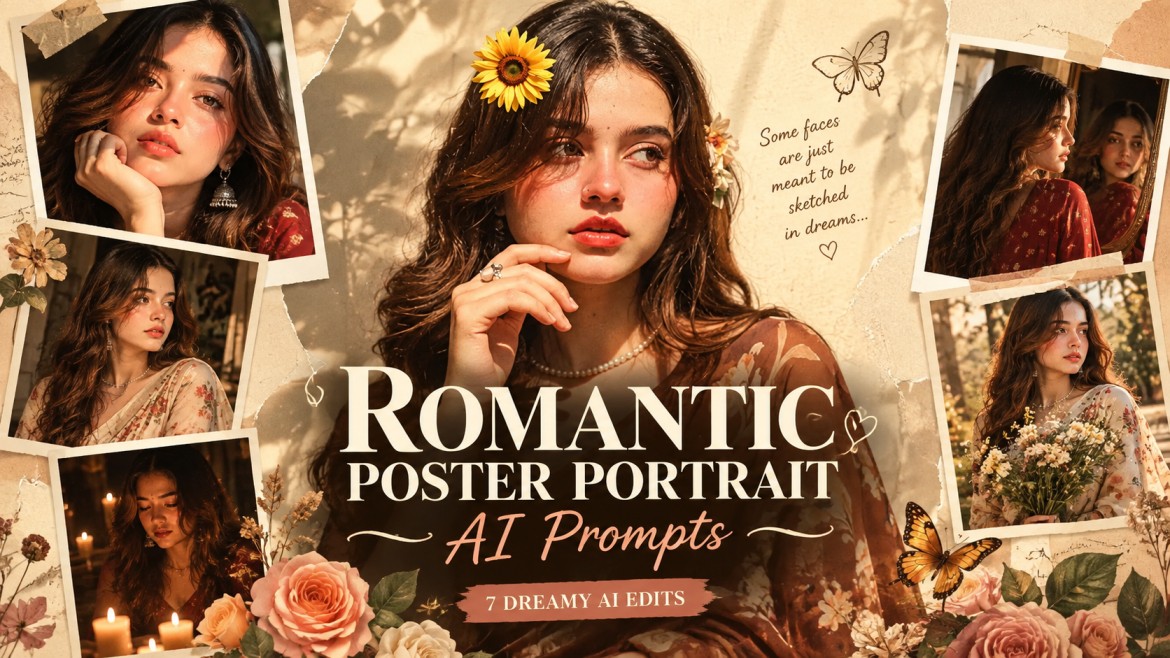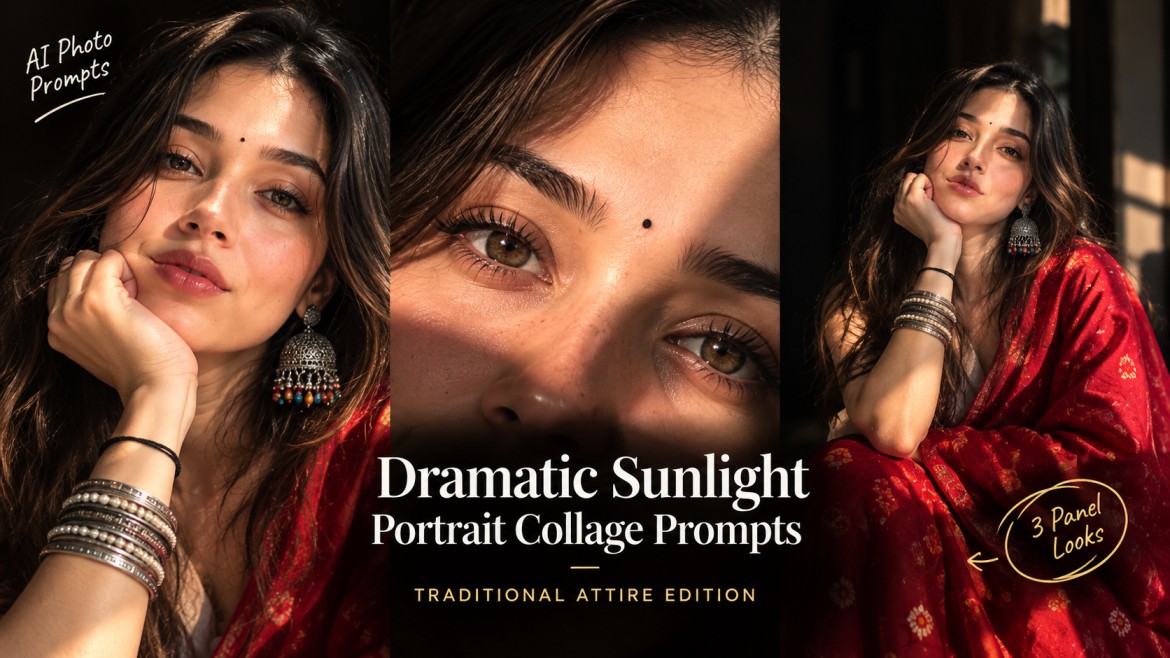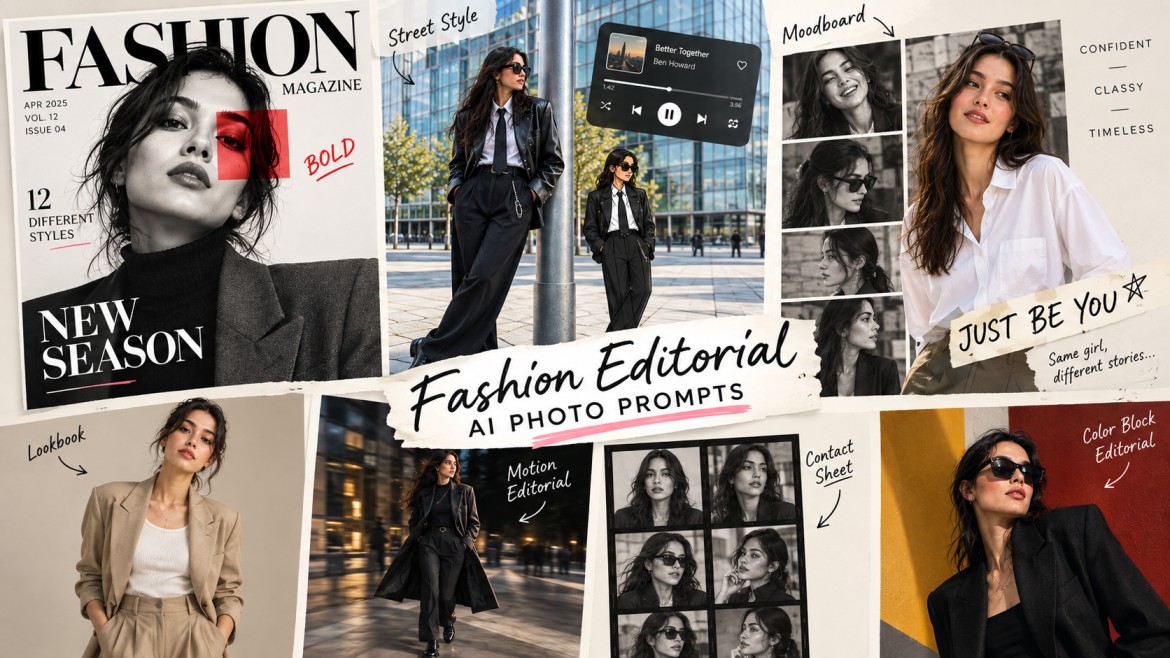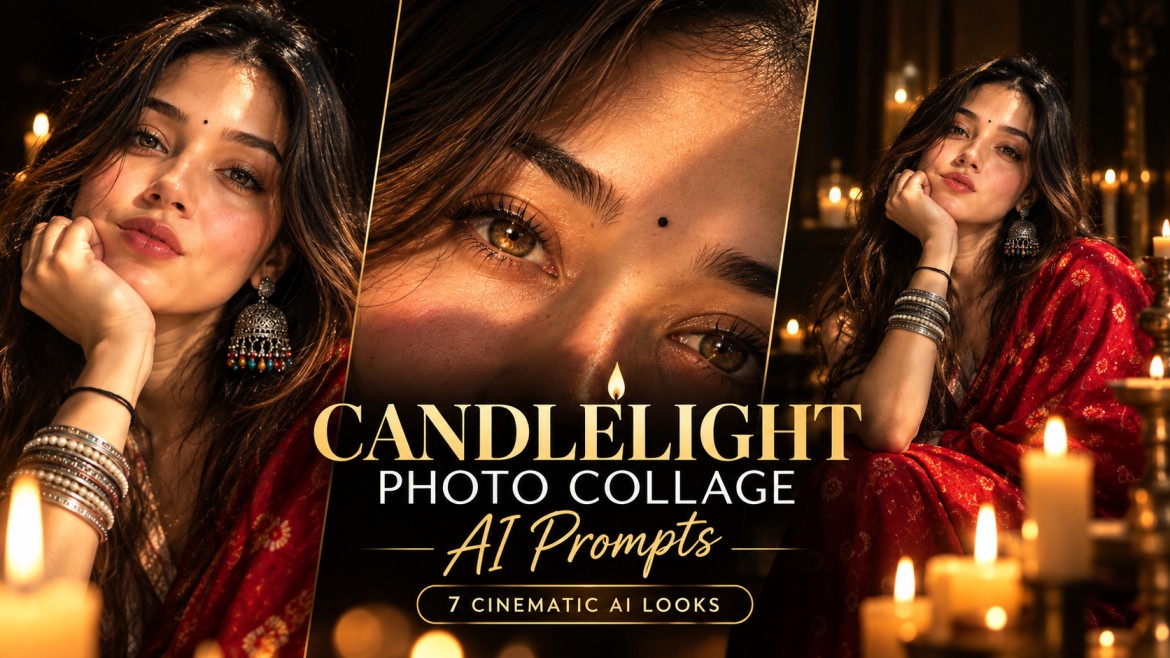
Candlelight can completely change the mood of an AI-generated portrait. Instead of bright studio lighting or artificial neon effects, a few carefully placed candles can create warm highlights, deep shadows, glowing skin, and a naturally cinematic atmosphere.
The interesting part is that you can take the idea further than a single candlelit portrait. AI image generators can create multi-photo collages where the same person appears across different crops, environments, and lighting moments.
Below are seven original candlelight photo collage AI prompts designed around different visual styles. Use your own photo as the identity reference when the prompt asks for it.
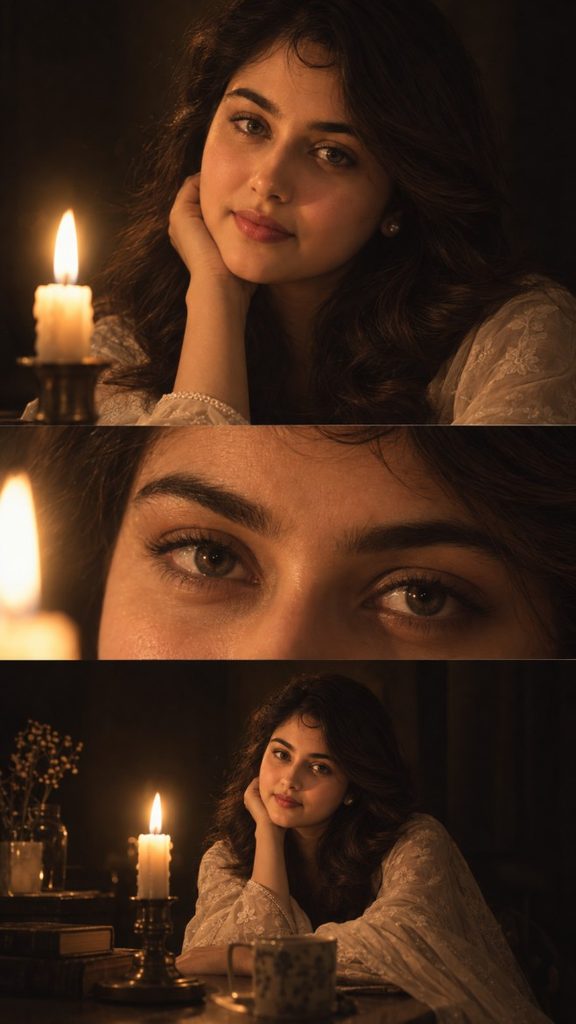
1. Cinematic Three-Panel Candlelight Portrait
This concept creates a three-panel editorial collage with different photographic crops while maintaining the same person throughout.
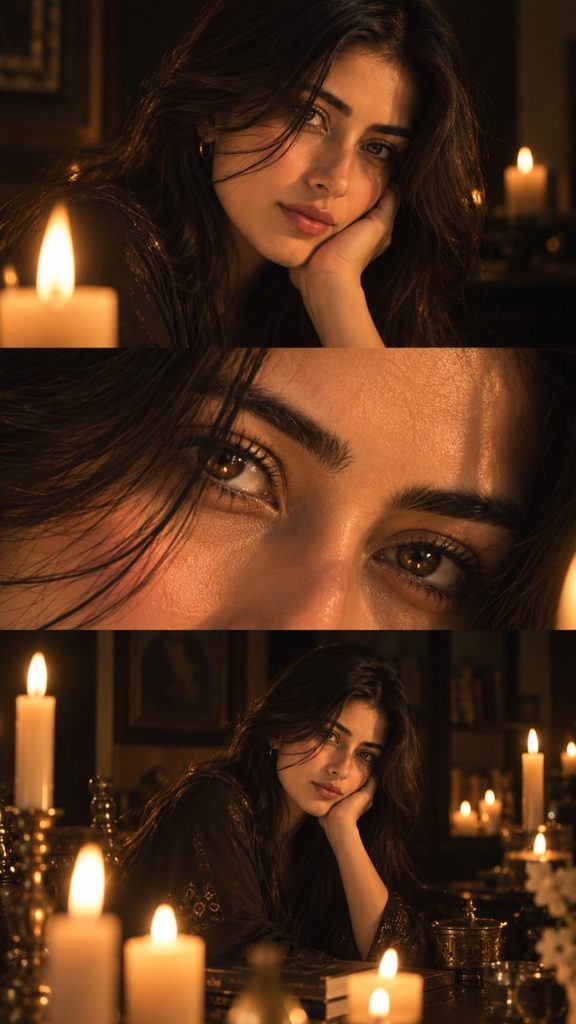
Prompt
2. Romantic Candlelight Couple Collage
For couples, candlelight works especially well because it naturally creates an intimate atmosphere without requiring an overly dramatic background.
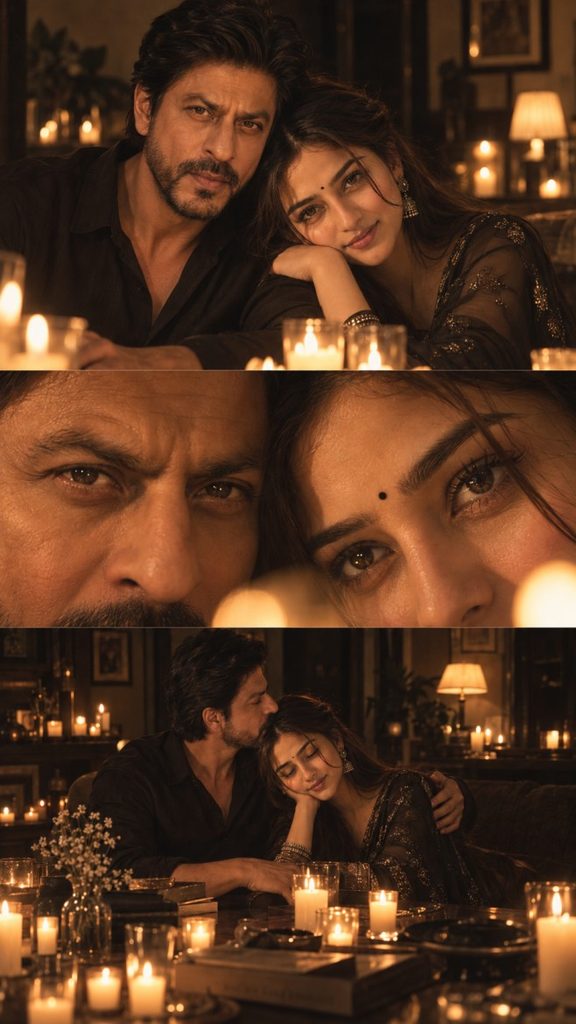
Prompt
3. Old-Money Candlelit Dinner Collage
This version combines candlelight with luxury interiors for a refined editorial appearance.
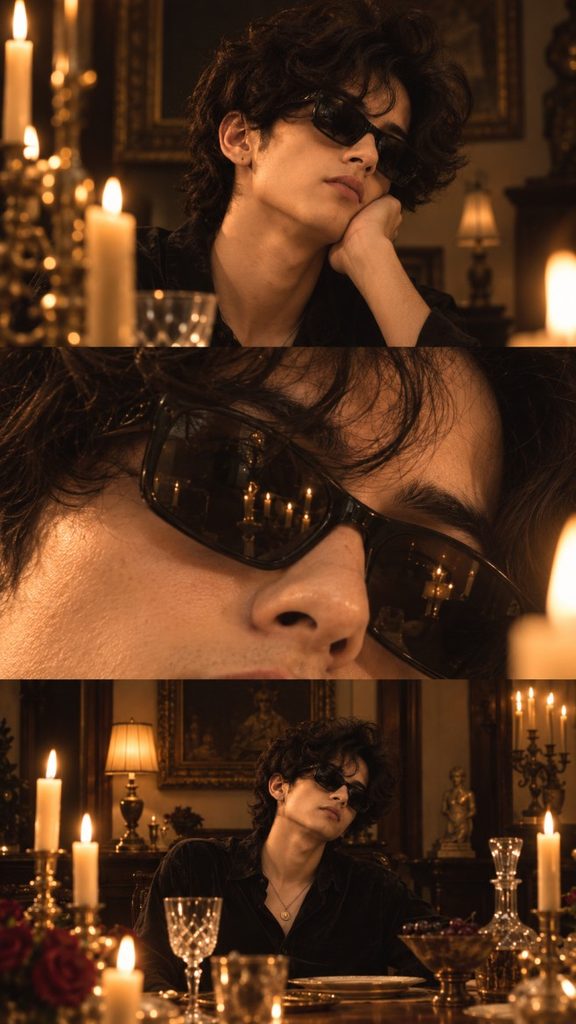
Prompt
4. Candlelight + Rainy Window Portrait
A rainy window combined with candles gives the collage a more nostalgic, emotional visual language.
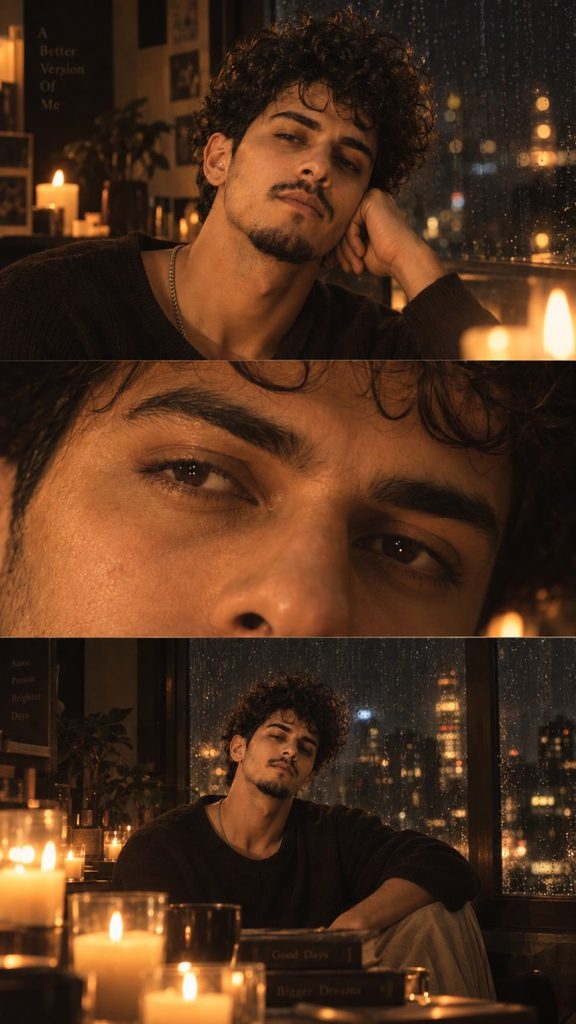
Prompt
5. Vintage 1970s Candlelight Photo Collage
If you want something less polished and more nostalgic, use a vintage film aesthetic.
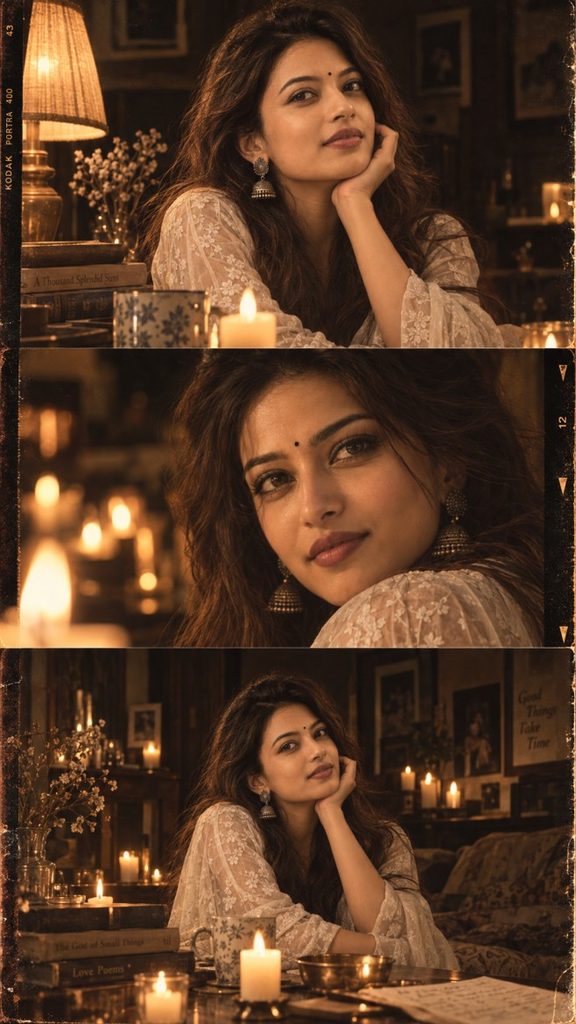
Prompt
6. Luxury Black-and-Gold Candlelight Collage
This one is designed for a more dramatic fashion-editorial result.
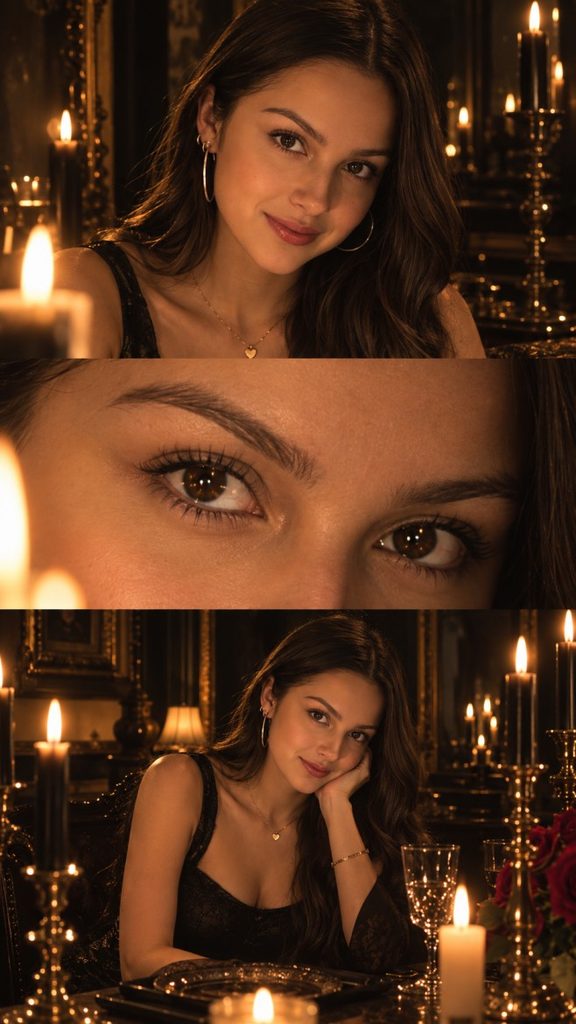
Prompt
7. Minimal Single-Candle Portrait Collage
Sometimes one candle can create a stronger image than an entire room filled with candles. This prompt keeps the composition simple.
Prompt
How to Get Better Candlelight Results
1. Use a real photo as the identity reference
For consistent results, upload a clear portrait where your facial features are visible. Tell the image generator to use it as the only identity reference.
2. Don’t overdo the candle count
A common mistake is asking for hundreds of candles. Too many flames can make the image look artificial.
One large candle, a few table candles, or a small group of candles often creates more believable lighting.
3. Describe the darkness
Don’t simply write “candlelight portrait.”
Specify that the surrounding environment should remain dark, with strong light falloff and deep shadows. This gives the candlelight somewhere to visually stand out.
4. Keep the skin realistic
Candlelight naturally adds warm tones, but AI can easily make skin excessively orange. Include instructions such as:
“Maintain realistic skin color beneath the warm illumination.”
5. Keep identity consistent across panels
For collage prompts, repeat the requirement that the same person must appear in every panel. This is particularly important when the panels use dramatically different crops.
Best Settings for Candlelight Collages
For most image generators, start with:
- Aspect ratio: 9:16
- Style: Photorealistic
- Stylization: Low to medium
- Identity/reference strength: High
- Lighting: Warm, low-key candlelight
- Lens character: 50mm–85mm
- Eye close-up: 85mm–100mm macro character
- Skin: Natural texture and visible pores
- Face restoration: Off or very low
- Beauty enhancement: Off
- Film grain: Subtle
- Background: Dark and softly blurred
Final Thoughts
Candlelight is especially useful for AI portraits because it gives the image generator a clear lighting source instead of relying on generic studio illumination. Combining that lighting with a three-panel collage structure can make the result feel more like a collection of photographs from a real editorial shoot.
For the most convincing results, prioritize identity consistency, realistic candle behavior, natural skin texture, and controlled darkness rather than simply adding more visual effects.