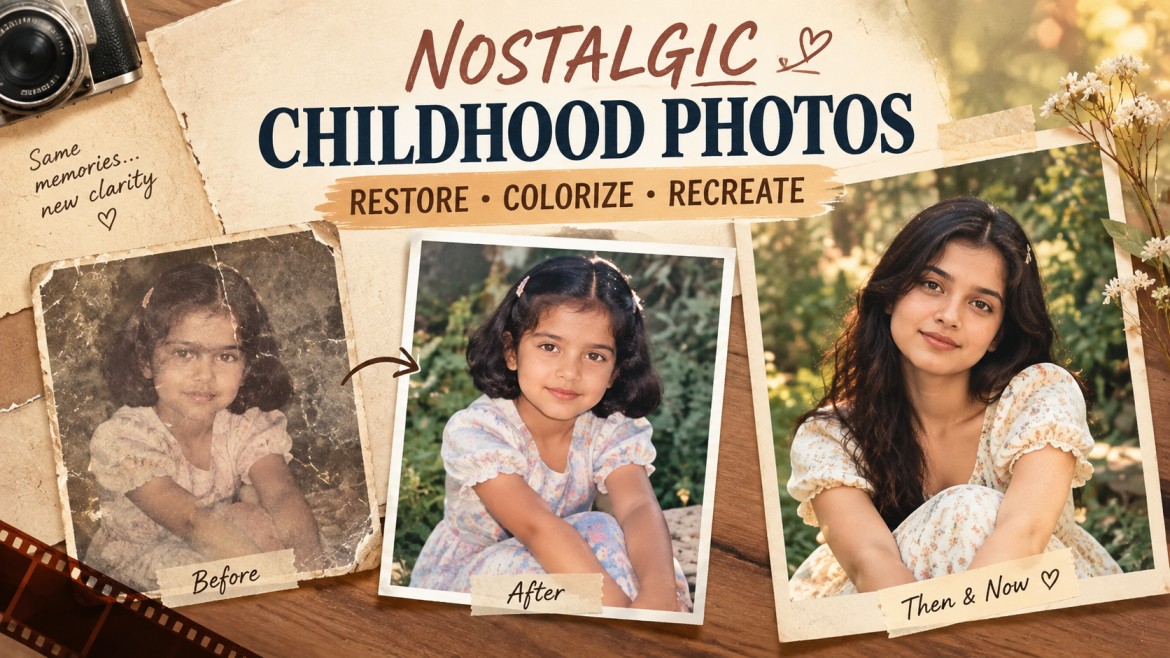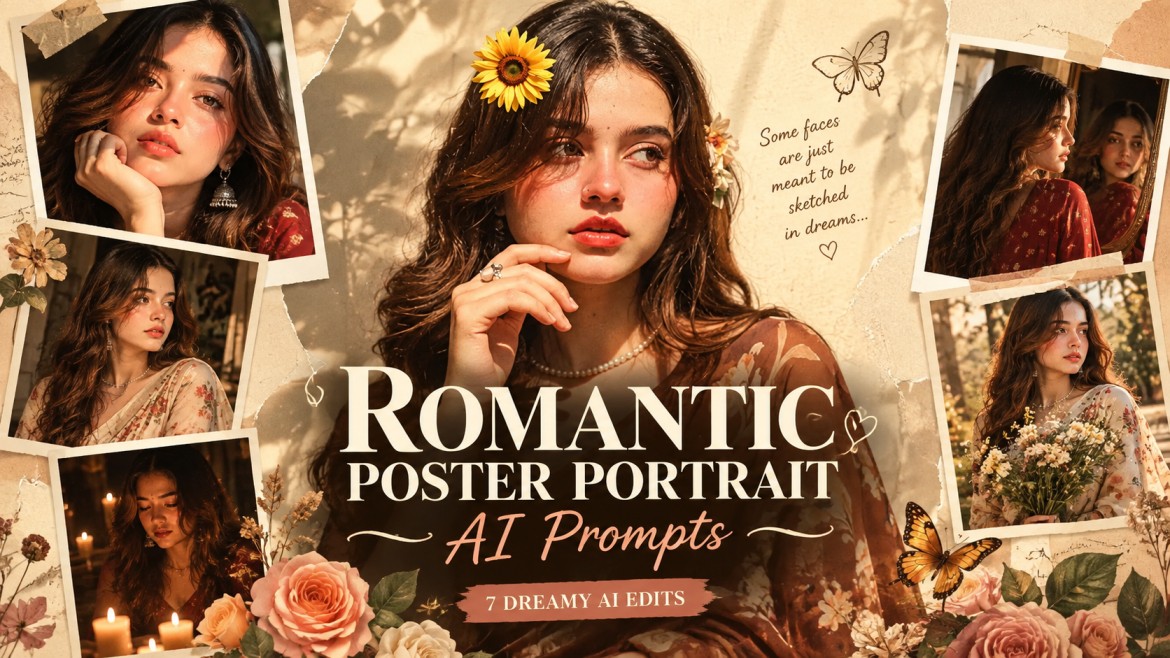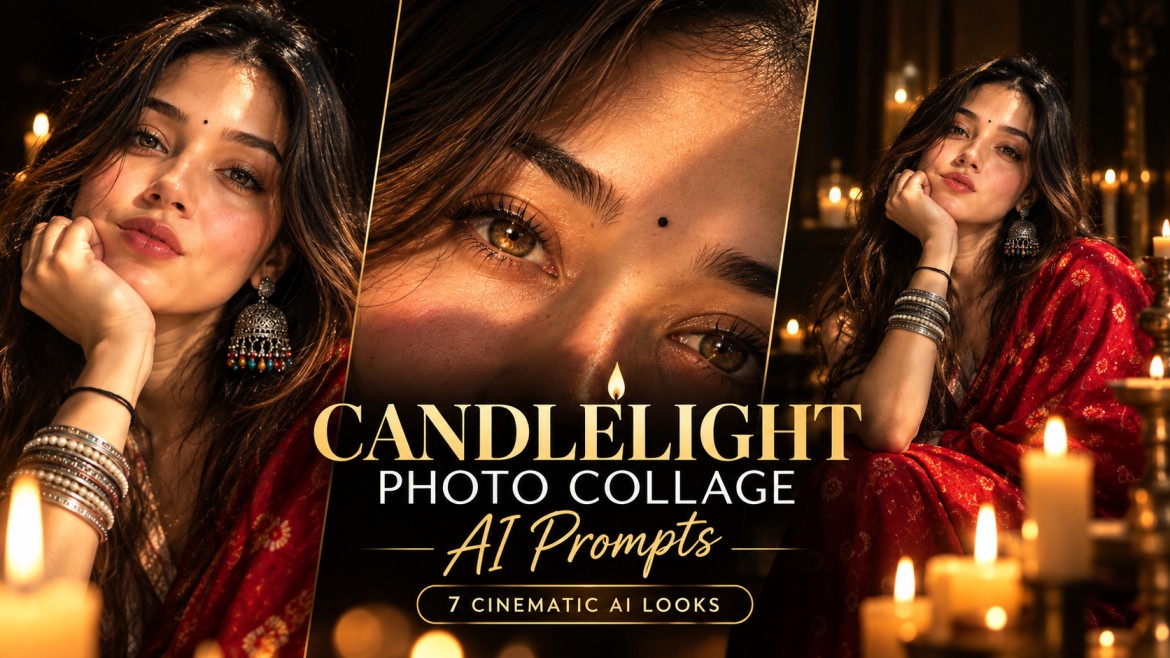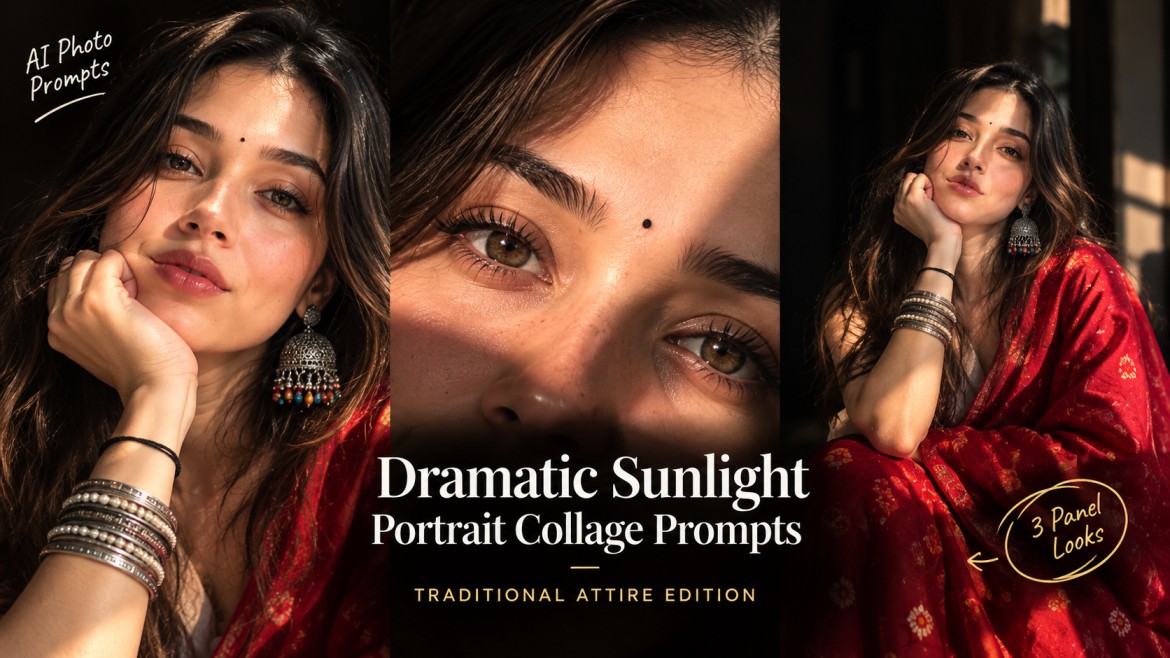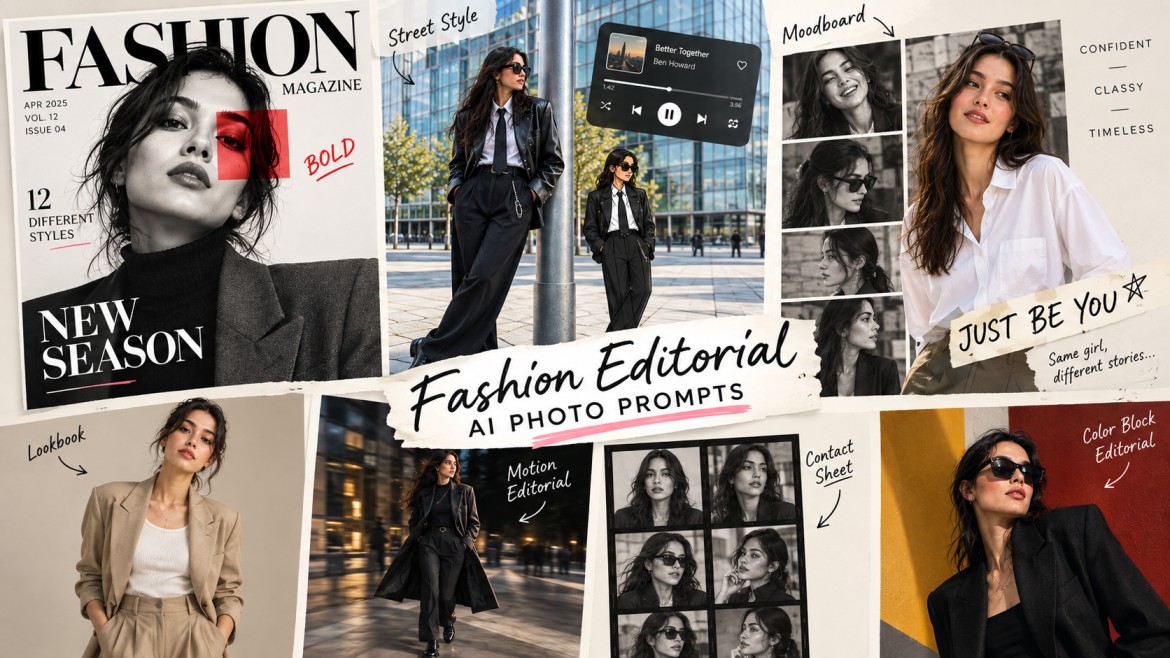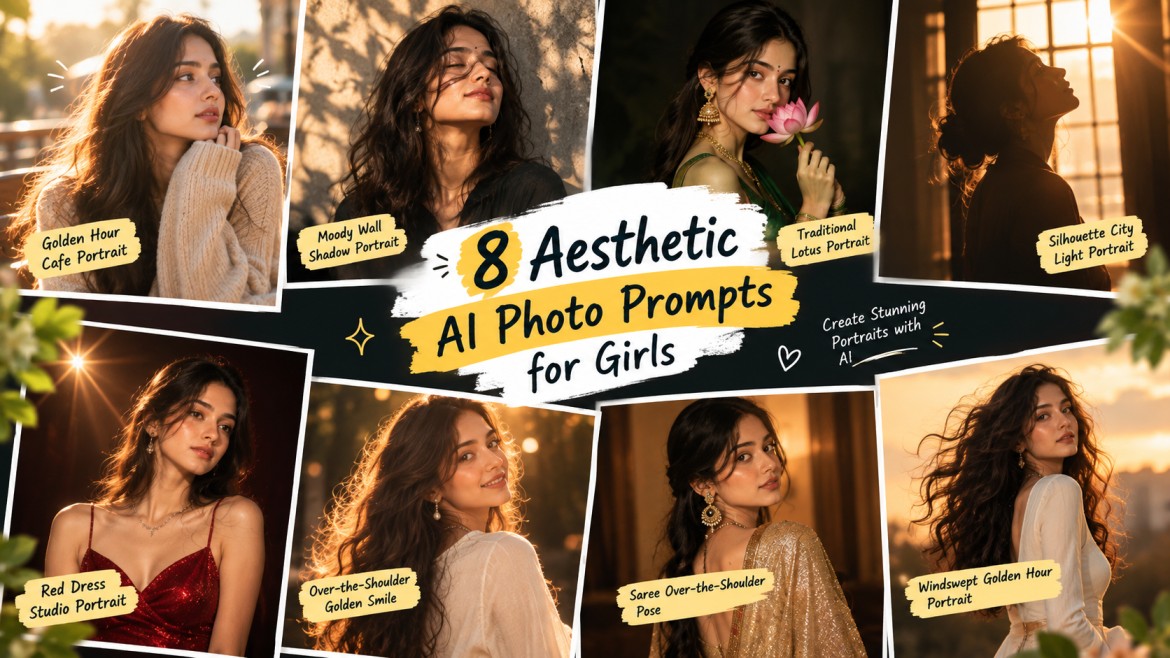
AI photo generation has made it incredibly easy to turn an ordinary photo into something that looks like a professional portrait shoot. But instead of using the same generic “make this photo aesthetic” prompt, you can experiment with specific lighting, outfits, backgrounds, and photography styles.
Here are 8 aesthetic AI photo prompts for girls covering golden-hour portraits, traditional looks, cinematic silhouettes, editorial fashion, sarees, and more.
You can copy any prompt below, upload your photo, and use it with an AI image generator that supports image references.
Tip: For the best results, use a clear photo where the face is visible. If your AI tool changes your face too much, add a facial-identity instruction such as “preserve my facial features and identity exactly as the uploaded reference.”
1. Golden Hour Cafe Portrait
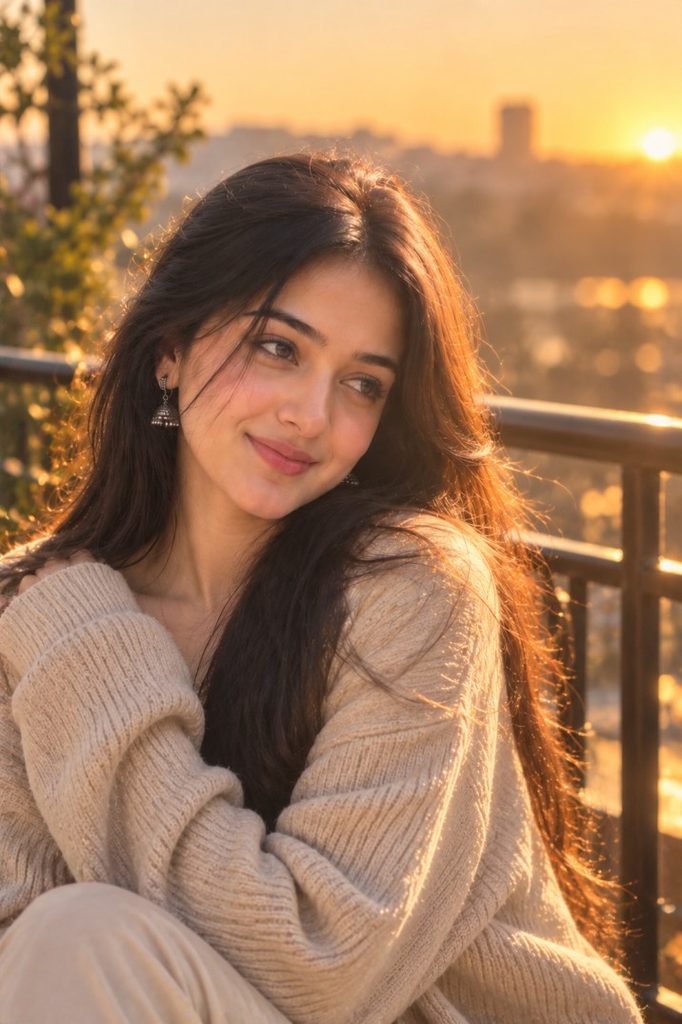
Copy Prompt
2. Moody Wall Shadow Portrait
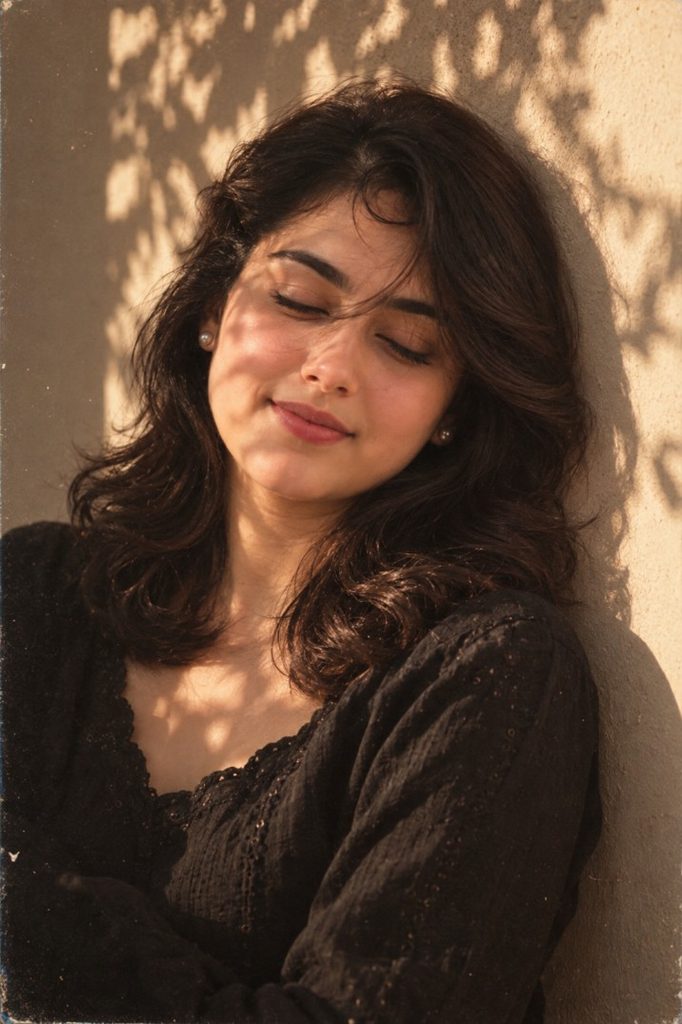
Copy Prompt
3. Traditional Lotus Portrait
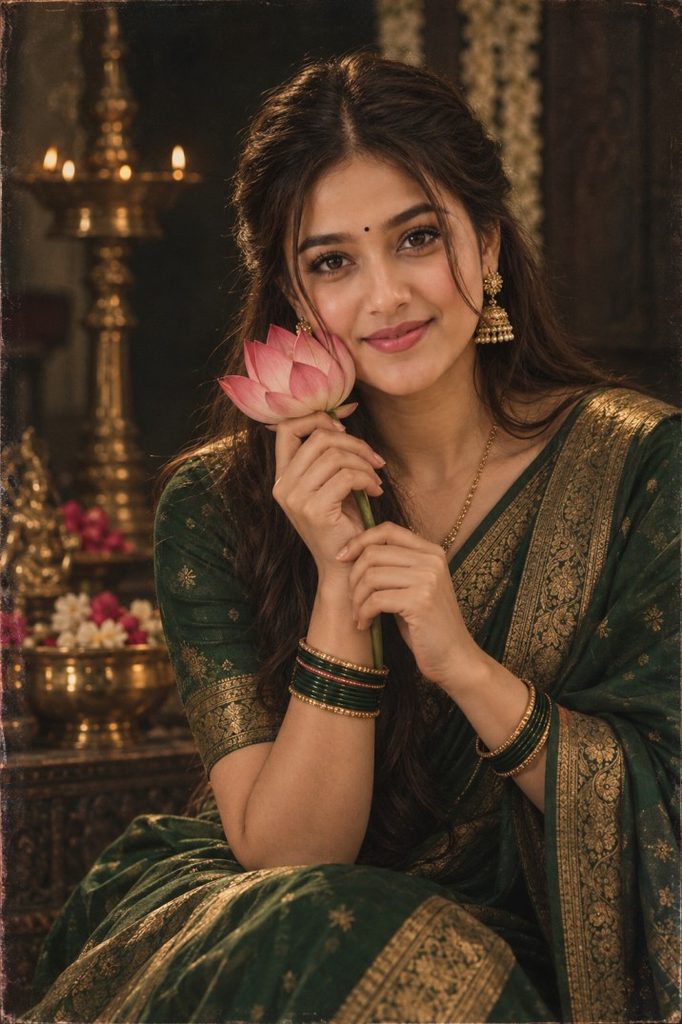
Copy Prompt
4. Silhouette City Light Portrait
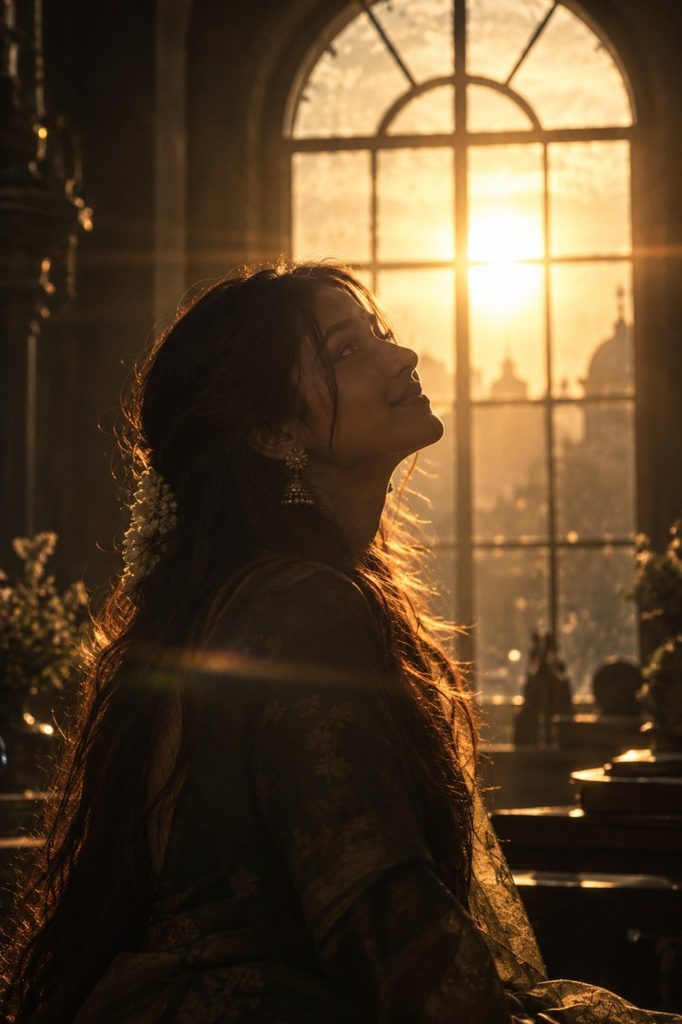
Copy Prompt
5. Red Dress Studio Portrait
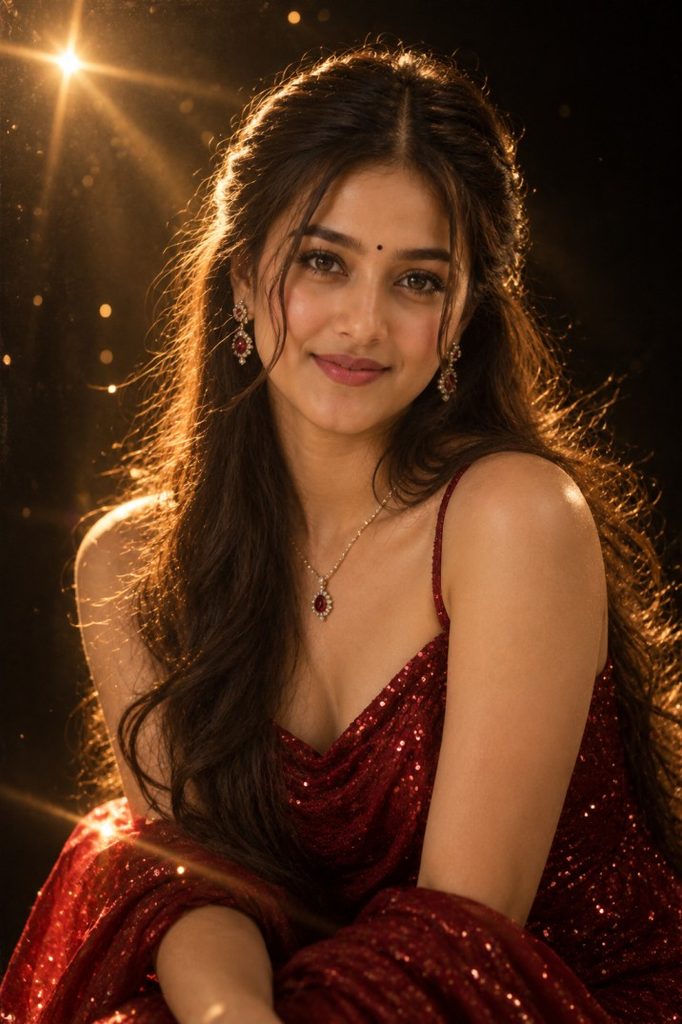
Copy Prompt
6. Over-the-Shoulder Golden Smile
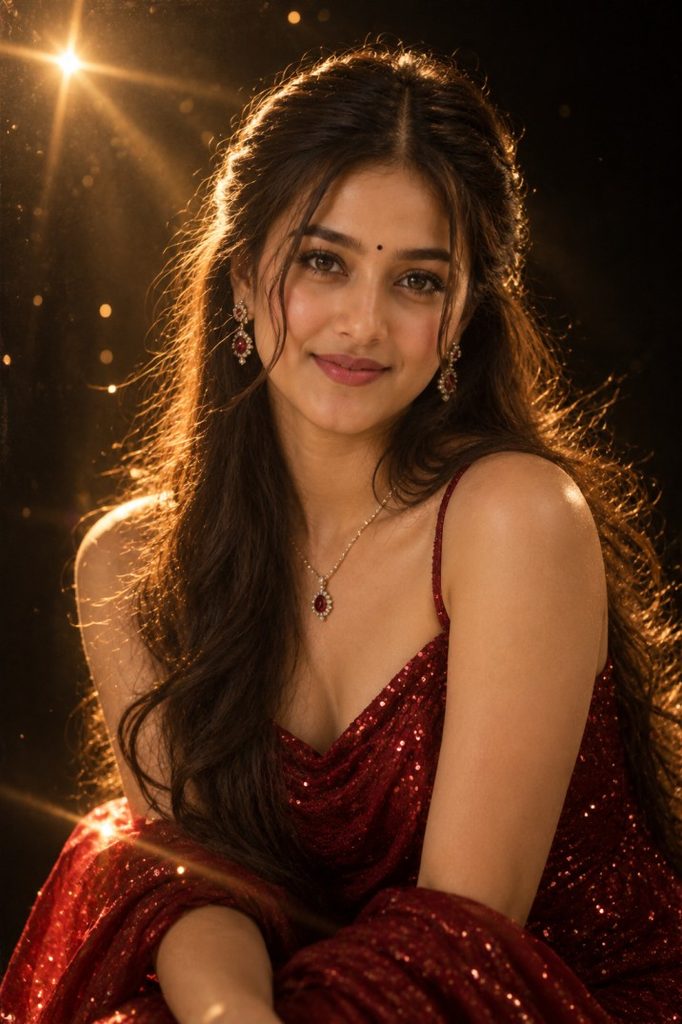
Copy Prompt
7. Saree Over-the-Shoulder Pose
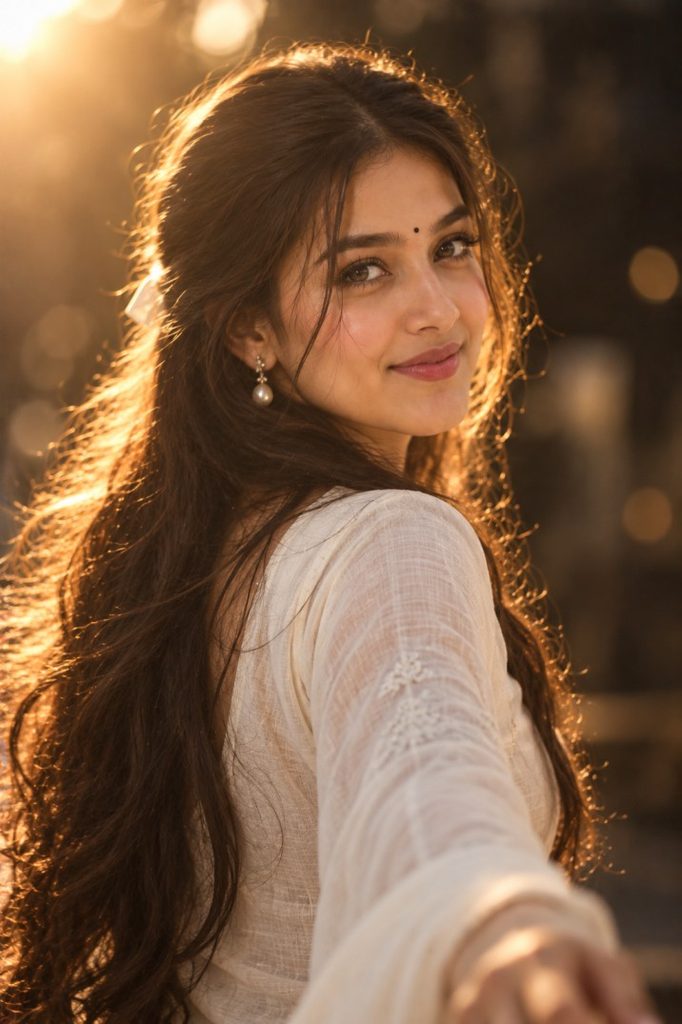
Copy Prompt
8. Windswept Golden Hour Portrait
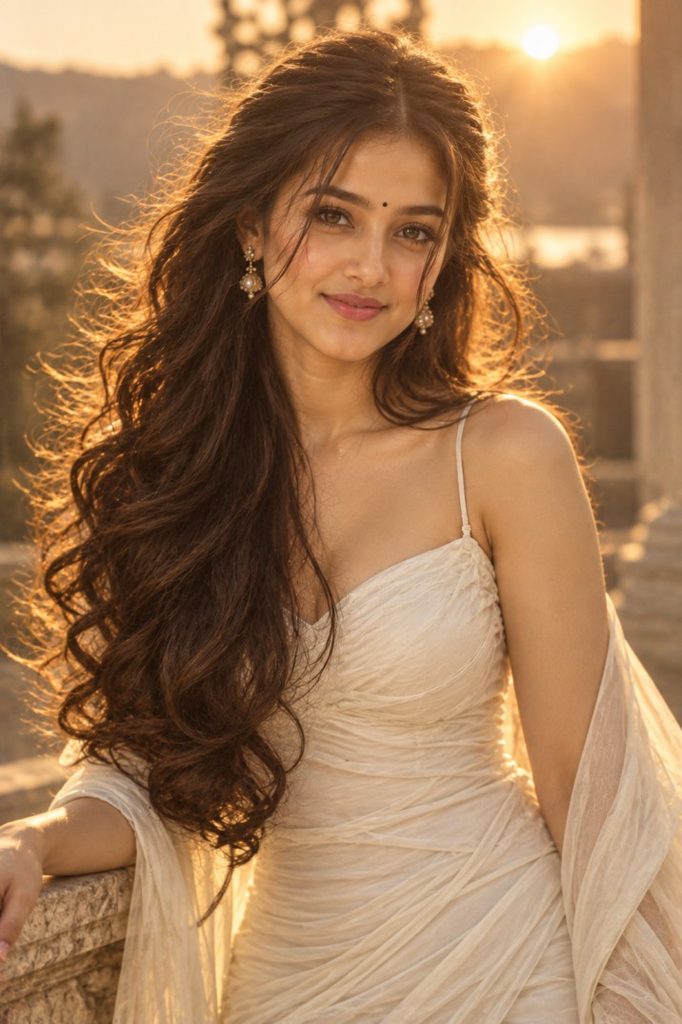
Copy Prompt
Which Prompt Should You Try First?
If you’re not sure where to start, choose based on the type of photo you want:
| Style | Prompt |
|---|---|
| Warm & natural | Golden Hour Cafe |
| Moody & dreamy | Wall Shadow |
| Traditional Indian | Lotus Portrait |
| Dramatic & cinematic | Silhouette City Light |
| Glamorous & luxurious | Red Dress Studio |
| Romantic & soft | Golden Smile |
| Saree & ethnic | Gold Saree Portrait |
| High-fashion | Windswept Golden Hour |
The biggest advantage of using specific prompts is that you aren’t relying on a generic “aesthetic” filter. Each one tells the AI what kind of lighting, clothing, environment, photography style and mood to create.
How to Get Better Results
Use a Clear Reference Photo
Start with a photo where your face is clearly visible. A clean portrait usually gives the AI more information to work with.
Don’t Overload the Prompt
These prompts already contain the major visual elements. If the first result isn’t right, change one or two things rather than rewriting everything.
Protect Your Facial Identity
If your generated image doesn’t look enough like you, use a follow-up instruction such as:
Keep my facial identity, facial structure, skin tone and natural facial features consistent with the uploaded reference image. Change only the requested styling, clothing, lighting and environment.Try Different Styles
Don’t generate the same prompt repeatedly. Try the Golden Hour Cafe, Wall Shadow, and Red Dress Studio versions to see how dramatically the same reference photo can change.
Frequently Asked Questions
What are the best aesthetic AI photo prompts for girls?
There isn’t one single best prompt. For a natural look, the Golden Hour Cafe Portrait works well, while the Red Dress Studio Portrait is better for a glamorous editorial result. The Gold Saree Portrait is suited to traditional photography.
Can I use these prompts with my own photo?
Yes. Upload your photo as the reference image and paste the selected prompt. The prompts are designed around transforming the uploaded person’s styling, environment and photography aesthetic.
How do I keep my face unchanged?
Use a clear reference photo and explicitly tell the AI to preserve the person’s facial features and identity. If necessary, add a facial-preservation instruction in a follow-up message.
Which prompt is best for Instagram?
The Golden Hour Cafe Portrait, Over-the-Shoulder Golden Smile, and Windswept Golden Hour Portrait are strong choices for an Instagram-style aesthetic because they emphasize warm lighting, shallow depth of field and polished portrait photography.
Final Thoughts
Aesthetic AI photography doesn’t have to mean using the same generic portrait prompt everyone else is using.
These 8 aesthetic AI photo prompts for girls explore different visual directions — from warm cafe photography and dramatic wall shadows to traditional sarees, cinematic silhouettes and high-fashion golden-hour portraits.
Start with the style closest to the image you have in mind, then make small changes to the outfit, lighting or background until you get a result you like.